How to Back Up, Restore and Transfer a Palworld World
Which files make up a Palworld world, how far back the server’s own backups reach, how to restore safely and how to move a co-op world to a dedicated server.
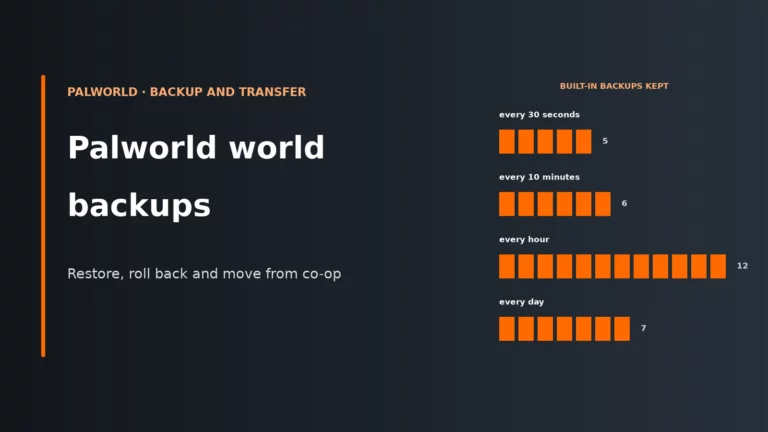
Which files make up a Palworld world, how far back the server’s own backups reach, how to restore safely and how to move a co-op world to a dedicated server.
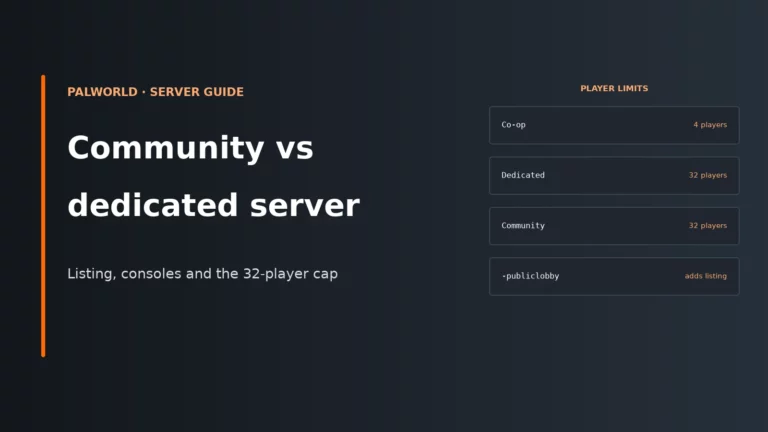
A Palworld community server is a dedicated server with -publiclobby. What listing changes, when consoles need it, why 32 players is the ceiling, and what bigger groups can do.
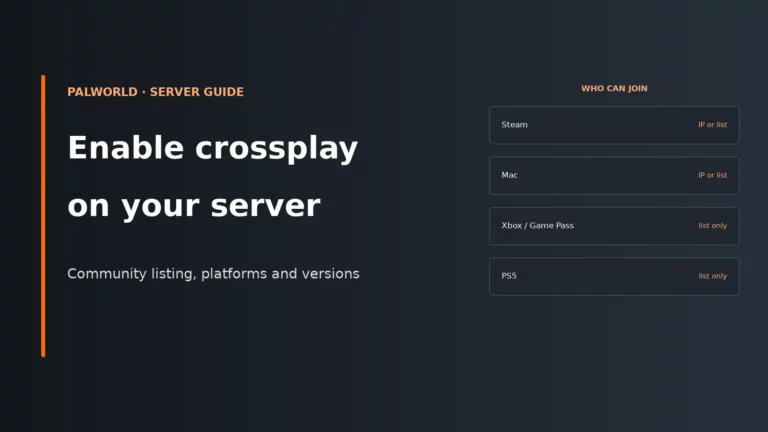
Crossplay is on by default on every Palworld dedicated server. Getting Xbox, PS5, Game Pass and Mac friends in depends on the community listing, CrossplayPlatforms and matching versions.
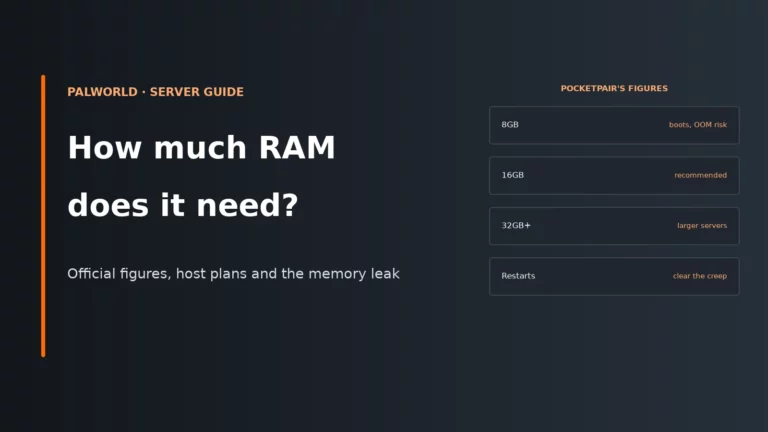
Pocketpair recommends 16GB for a Palworld server machine, yet most hosts sell 10GB plans. Why both can be right, what fills a Palworld server’s memory, and how to tell a memory leak from a server that is too small.
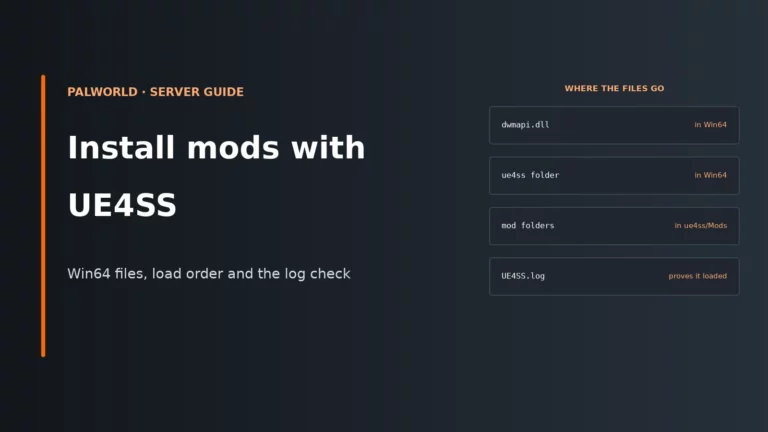
To install mods on a Palworld dedicated server with UE4SS, put the current Palworld UE4SS build in the server’s Win64 folder, drop each mod into ue4ss/Mods, then check that UE4SS.log appears after a restart.

📢 JULY 29 2026 · PALWORLD 1.0.2 Palworld 1.0.2 Is Out — Here’s What Changed A stability-focused hotfix, not a…
Updated for Palworld 1.0 · 10 November 2026 Palworld Server Crashes & Connection Errors — Troubleshooting Guide The two problems…

Updated for Palworld 1.0 · 10 November 2026 PalWorldSettings.ini — Complete Server Configuration Guide Every setting in Palworld’s dedicated server…

Updated for Palworld 1.0 · 15 November 2026 How to Host a Palworld 1.0 Dedicated Server A complete walkthrough for…
BEGINNER’S GUIDE · PALWORLD 1.0 How to Play Palworld With Friends Never set up multiplayer in Palworld before? This covers…