Terraria Crossplay Servers: Who Can Join and How to Set One Up
PC and mobile players can share one Terraria server today, but consoles cannot join yet. Here is who can connect, how to set up a server both can use, why version mismatches lock people out, and what the 1.4.6 crossplay update changes.
Works now on a standard dedicated server. Desktop uses Join via IP, phones add the server in the Online menu.
Cannot join PC or mobile servers yet. Console join-by-IP is promised for 1.4.6, Crossplay Phase One.
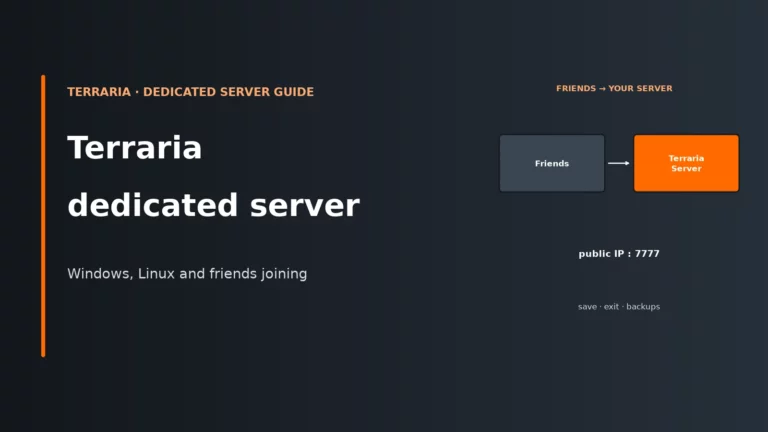
The server listens on TCP 7777 by default, with 16 player slots unless you change it.
Client and server must match exactly. Phones and consoles often receive updates later than PC.
Who can join a Terraria server right now
Terraria’s official wiki is blunt about it: players on different platforms cannot normally play multiplayer together, and Android and iOS can play with each other. The one gap in that rule is the dedicated server. Desktop and mobile run the same game code, so a phone can connect to a desktop-version server. The wiki describes that as possible “due to the perfect parity” and “likely unintentional”, which is a good reason not to build your group’s plans around it without a backup.
Consoles are outside the gap. The developers’ own roadmap says desktop and mobile crossplay already works through a dedicated server, “but not console”.
| Platform | Vanilla server today | After 1.4.6 | tModLoader server |
|---|---|---|---|
| PC (Windows, macOS, Linux) | Yes | Yes | Yes |
| Android and iOS | Yes | Yes | No |
| Xbox, PlayStation, Switch | No | Planned | No |
One detail that is easy to miss: the confirmed route is a dedicated server. A world started with Host & Play from the PC client is a different setup, and the crossplay note does not cover it. If your friends are on phones, rent or run a proper server instead.
What changes with Terraria 1.4.6
Re-Logic and DR Studios are rolling crossplay out in two phases. Phase One is update 1.4.6. In their words, console players will be able to join sessions on the local network on any platform, and connect to dedicated servers over the internet. For a server owner, that means the same server you run now gains console players. Nothing about the server software has to be different.
Phase Two is the part aimed at people without a server. Players will share a session ID or join code and connect across networks. A server hosted by you or a host stays a separate, more reliable option.
As of mid-November 2026, 1.4.6 is finished but still going through testing and platform approval. Re-Logic has said it cannot predict how long the platform holders will take, so there is no date to plan around. Until it ships, a console player in your group has no way onto your server.
Set up a server PC and mobile players can both use
The setup is the ordinary Terraria server. Nothing extra is installed for crossplay, and it is not a setting in the server config.
- Run the vanilla server. A rented Terraria server from a host does this for you. If you self-host, the server files are the free Terraria dedicated server download, and Windows installs of the game include
TerrariaServer.exe. - Open the port. The default is TCP 7777. Behind a home router you need to forward it. On a rented server the host gives you an address and port, so there is nothing to forward.
- Share the address and port. Players type both. Mobile asks for them in the Online menu, desktop in Join via IP.
- Set a password if the world is not for strangers. Every platform types the same one.
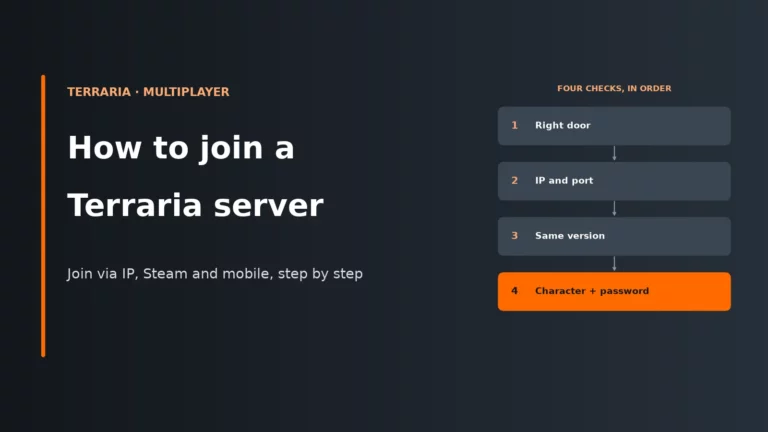
Our Terraria dedicated server setup guide covers the install and config file, and how to join a Terraria server walks through the join screen on each platform.
Keeping everyone on the same version
This is where most crossplay groups fail. The server only accepts clients on its own version. PC gets an update first, and mobile and console updates then go through app-store and platform approval, so they can arrive days or weeks later. A server that jumps to the new version as soon as PC does will lock your phone players out until their app catches up.
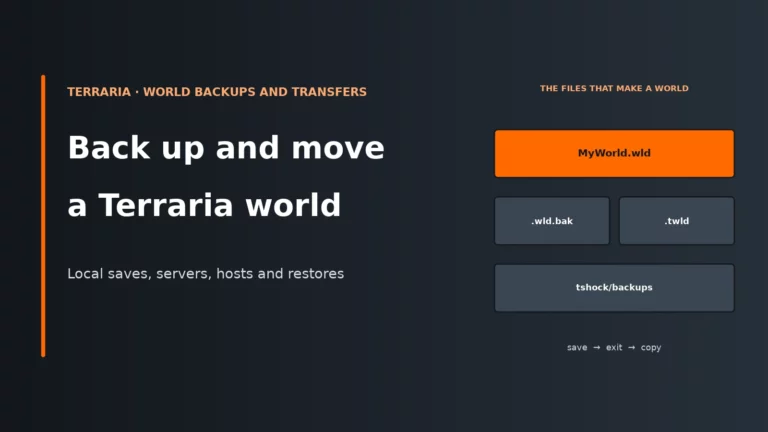
The practical rule is to update the server only when every platform in your group has the new version. Older server versions stay available (the Terraria wiki lists them), so you can run the previous one for a few days. Back up the world before any version change, and see our Terraria world backup and transfer guide for the files to copy.
If a player is refused, the message is “You are not using the same version as this server.” Compare version numbers on the title screen before you touch the server.
Mods change the answer
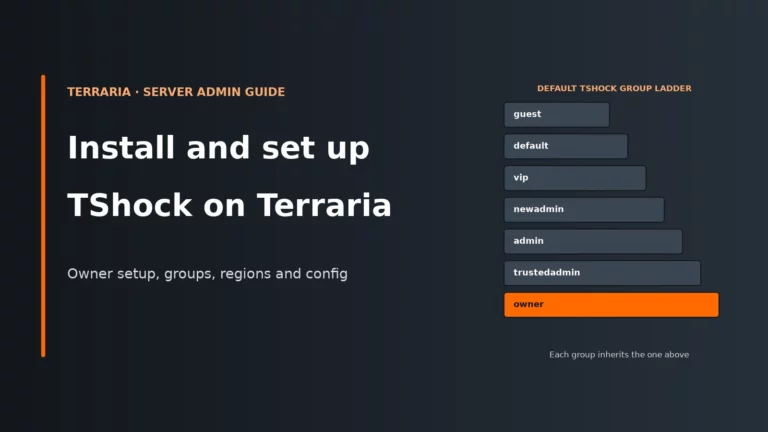
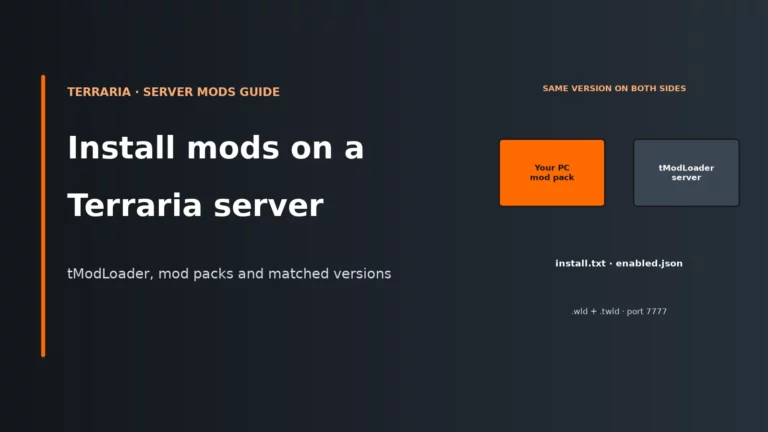
A vanilla server is the only kind phone and console players can ever join. tModLoader mods run on PC through the separate tModLoader client, so a server running them is a PC-only server. If your group includes anyone on mobile or console, keep the server vanilla. TShock works with the normal game client, so it suits a PC and mobile group better, but make sure the TShock release supports the exact Terraria version you run. Our TShock setup guide and Terraria server mods guide cover both.
Any Terraria host with a vanilla server and a fixed address will do the job. Compare the options, including UK locations, in our hosting roundup.
Compare the best Terraria server hostsTerraria crossplay FAQ
Can PlayStation, Xbox or Switch players join my Terraria server?
Not yet. Console players cannot join PC or mobile dedicated servers today. Console join-by-IP is part of update 1.4.6, which Re-Logic has not given a release date.
Can iPhone and Android players join the same server?
Yes. Android and iOS players can play with each other, and both can join a desktop-version dedicated server by IP address and port, provided their app is on the server’s version.
Do I need special hosting for Terraria crossplay?
No. A standard vanilla Terraria server is all it takes. There is no crossplay option in the config, so choose a host on price, location and support.
Why can my friend on mobile not join after a PC update?
Because the server and the app must be on the same version. Mobile updates are released through the app stores and usually trail PC. Wait for the app update, or run the older server version until it arrives.
Will my existing server work with consoles when 1.4.6 arrives?
It should, as long as it is a vanilla server on the version consoles receive and your players can reach its address and port. Back up the world before you update.
More Terraria server guides
Compare Terraria hosts, set up a server and keep your world safe.
Terraria updates, platform rules and host panels change. Where the current game or your host’s panel differs from this page, follow what the game and the panel show.