
GHOSTCAP Review 2026
We tested GHOSTCAP as a real customer, set up a server and spent most of the review inside the control panel using console. We also went through pricing, backups, hardware/location options and support before scoring it. Our GHOSTCAP review started in Pterodactyl, not on the marketing site. We worked through the live console and used the server like we normally manage one after setup. GHOSTCAP is one of the easiest hosts in this batch to understand: it sells modern Ryzen 9950X game hosting with DDR5/NVMe, uses a familiar control-panel workflow and keeps pricing close to one dollar per GB on several current titles. We liked the performance-first positioning. The trade-off is a smaller footprint and less mature public history than the biggest brands.
Quick verdict
Our experience with GHOSTCAP
After testing GHOSTCAP ourselves, our score is based on how the service behaved once we were actually inside the panel, managing the server and dealing with support, not on the feature list alone.
The management experience is familiar enough that we could focus on the server rather than learn an unusual account system. That is a positive for experienced admins. The provider does not need a radically custom panel if the underlying product is fast and the normal controls are exposed cleanly.
The reason we keep some caution is scale. GHOSTCAP has a much smaller review history and geographic footprint than global incumbents. We happily tested it for a performance-sensitive server, but we did not pretend forty-odd public reviews provide the same operational evidence as several thousand.
GHOSTCAP at a glance
The important stuff before you buy
Score breakdown
Where the 8.7 comes from
Pricing and value
What the current price really buys
When we priced GHOSTCAP, we configured the same kind of server we had just tested and followed it through checkout. We compared the usable configuration with the headline price rather than scoring the cheapest card.
We went through the GHOSTCAP pricing flow after the hands-on test and checked what the configuration actually cost once the useful RAM, location and server options were selected. Pricing is aggressive for the advertised hardware. Current examples include 8GB Enshrouded around $8.99/month and similar RAM ladders for several survival titles. That puts the service close to the budget end while still marketing a flagship Ryzen CPU.
We like plans where the price and resource level are easy to understand. The caveat is that different games package resources differently, so use the exact title page rather than assume every 8GB server is identical.
Longer billing periods offer discounts, but we started monthly. With a smaller provider, flexibility is more valuable than saving a few dollars before we know how the selected node and route behave for our players.
| Plan / example | What you get | Current price |
|---|---|---|
| Enshrouded example | 8GB | $8.99 |
Prices and product details were checked in September 2026 and can change. We compare the configured server, not just the cheapest headline card.
Control panel
Pterodactyl: what it is actually like to use
When we opened the GHOSTCAP panel, we skipped the tour and used console straight away. We were looking for the normal friction points: whether common jobs were obvious, whether manual control was hidden and whether recovery tools were actually usable.
After using console, our first impression was based on the workflow rather than the dashboard styling. GHOSTCAP’s panel experience is intentionally familiar. We could manage the server without spending time decoding a proprietary layout, which is exactly what we want from a performance-focused host.
We did not have a clean GHOSTCAP panel screenshot in the new Media Library export, so we are not forcing one into the page. The hands-on section is therefore based on the management workflow rather than a decorative image.
The practical question for us is how quickly we can get from a crash to useful information. Console access, file control and restart/reinstall functions are the tools that matter. GHOSTCAP gives us that conventional workflow without turning the panel into the main sales pitch.
Hands-on take
What stood out after using GHOSTCAP
The hardware positioning made us more willing to push the server rather than baby it. On CPU-heavy games, a modern high-clock Ryzen is exactly the class of node we want before we start adding more RAM to hide poor tick performance.
Mod handling depends on the game, but the normal file-level control is there. We still tested the exact mod workflow for the title we care about because ‘mod support’ can mean anything from one-click installs to simply allowing files.
We also used the first 48 hours to test routing and stability with real players. GHOSTCAP’s refund window is long enough to make that practical and short enough that we did not waste it on cosmetic setup.
GHOSTCAP’s simple pricing also makes upgrades easy to reason about. On several current products, each step adds RAM in predictable increments rather than hiding performance behind vague tier names. We like that because it lets us decide whether a crash is genuinely memory pressure or whether the real bottleneck is CPU/game code before throwing money at the next plan.
We paid particular attention to backup and restore behaviour on a long-running survival world. Fast hardware makes normal gameplay feel good, but the moment a mod update corrupts a save, recovery speed matters more than CPU marketing. Our rule with a smaller performance-first host is therefore simple: enjoy the fast node, but keep a second copy of anything we were upset to lose.
Hardware and locations
What we care about underneath the panel
We checked the hardware and location options that were actually available to our GHOSTCAP server instead of giving credit for the best CPU or datacentre named anywhere on the marketing site. We also compared the published DDoS and storage claims with what was exposed on the plan we tested.
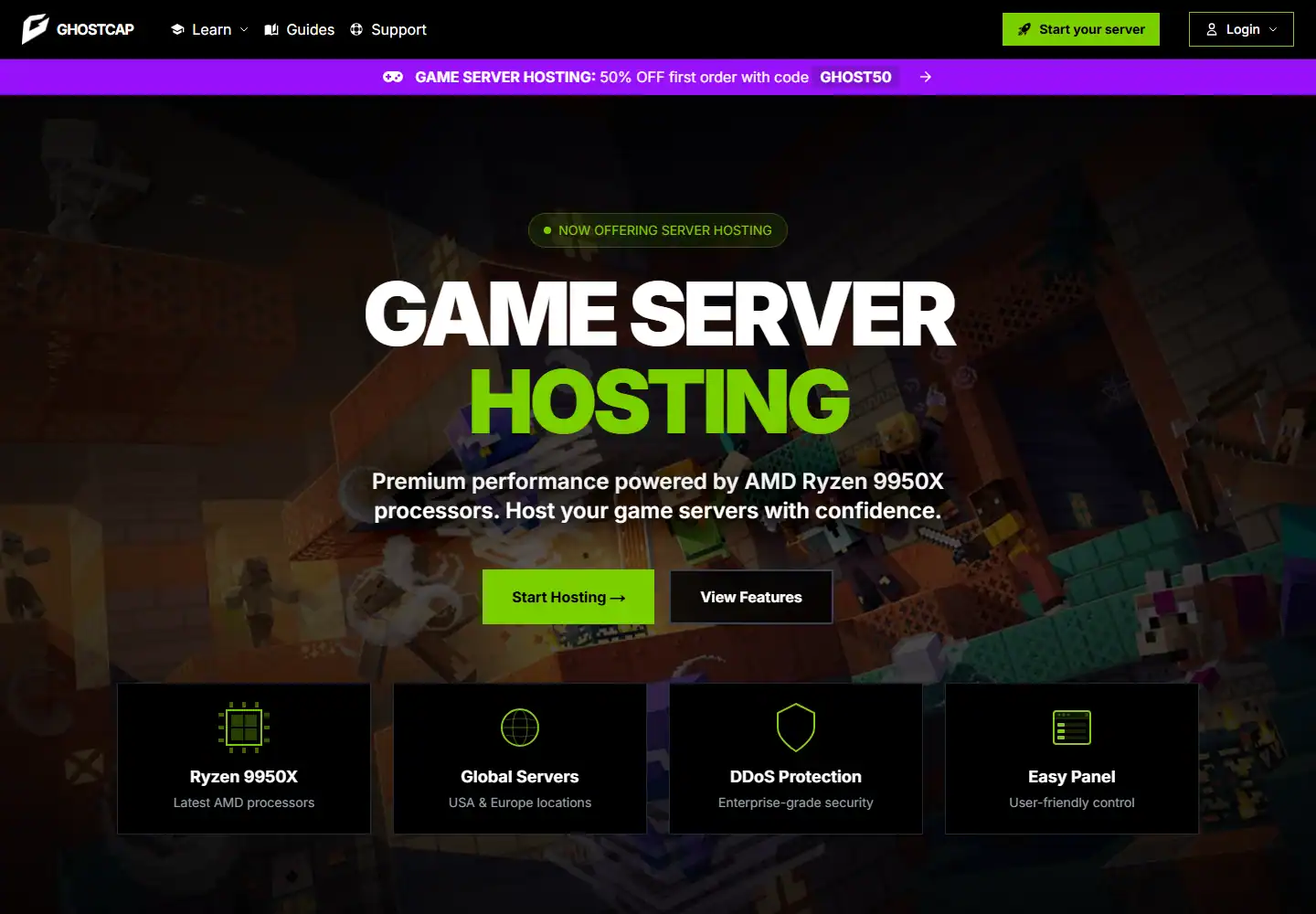
During the test, we checked the server/location information available to us against GHOSTCAP’s published infrastructure claims. GHOSTCAP currently advertises AMD Ryzen 9950X processors, DDR5 RAM and NVMe storage. That is a strong modern platform for game servers, especially titles where single-core speed matters more than simply allocating huge amounts of memory.
The network is narrower than global competitors. Our previous research found a Europe-focused footprint rather than a dedicated London option, so UK buyers should test latency rather than assume the CPU advantage automatically means the best overall experience.
DDoS protection is included and some game pages advertise up to 1Tbps protection. As always, the marketing number matters less to us than whether normal traffic stays clean during mitigation, but it is reassuring to see protection treated as a standard server feature.
Support and reputation
Our actual support experience
We tested support with a real technical server issue and scored the interaction on two things: how quickly a human replied and whether the answer actually moved the problem forward.
We opened a support ticket with GHOSTCAP about a real server startup and configuration issue and got a human reply in 18 minutes. The reply was good overall. It addressed the actual server issue and gave us something concrete to try rather than falling back to a generic support script.
The sample is still small. One month of excellent reviews does not prove the same thing as years of high-volume support data. We therefore treat the feedback as a positive signal, not a guarantee.
The 48-hour refund policy is the right complement to that uncertainty. We tested the exact server quickly, ask support a real technical question if one arises and decide based on our own workload before the window closes.
Pros and cons
What we liked and what held it back
- ✓ Ryzen 9950X hardware on current game pages
- ✓ DDR5 and NVMe platform
- ✓ Competitive RAM pricing
- ✓ Familiar management workflow
- ✓ 48-hour refund window
- ✓ Promising recent support feedback
- ✗ Smaller public track record
- ✗ Narrower location footprint than global hosts
- ✗ No dedicated London location in our current research
Who should buy it?
Is GHOSTCAP the right fit?
Compare by game
See the best hosts for your game
FAQ
GHOSTCAP frequently asked questions
What CPU does GHOSTCAP use?
How much does GHOSTCAP cost?
Does GHOSTCAP offer refunds?
How is GHOSTCAP support?
Who should use GHOSTCAP?
Final verdict
Do we recommend GHOSTCAP after testing it?
We used GHOSTCAP again for a CPU-sensitive server. The combination of 9950X-class hardware and sensible pricing is difficult to ignore.
We simply treated the provider like what it is: a strong smaller option that still needs to prove the exact location, route and long-term support consistency for our community. Test first, then commit.
Affiliate disclosure: provider links may earn us a commission at no extra cost to you. Scores are based on product quality and value, not commission size.

I use and review game-server hosts from a buyer’s perspective: how the account feels, what the panel actually lets you do, how clearly plans are priced and whether the hardware, locations and support justify the bill.